

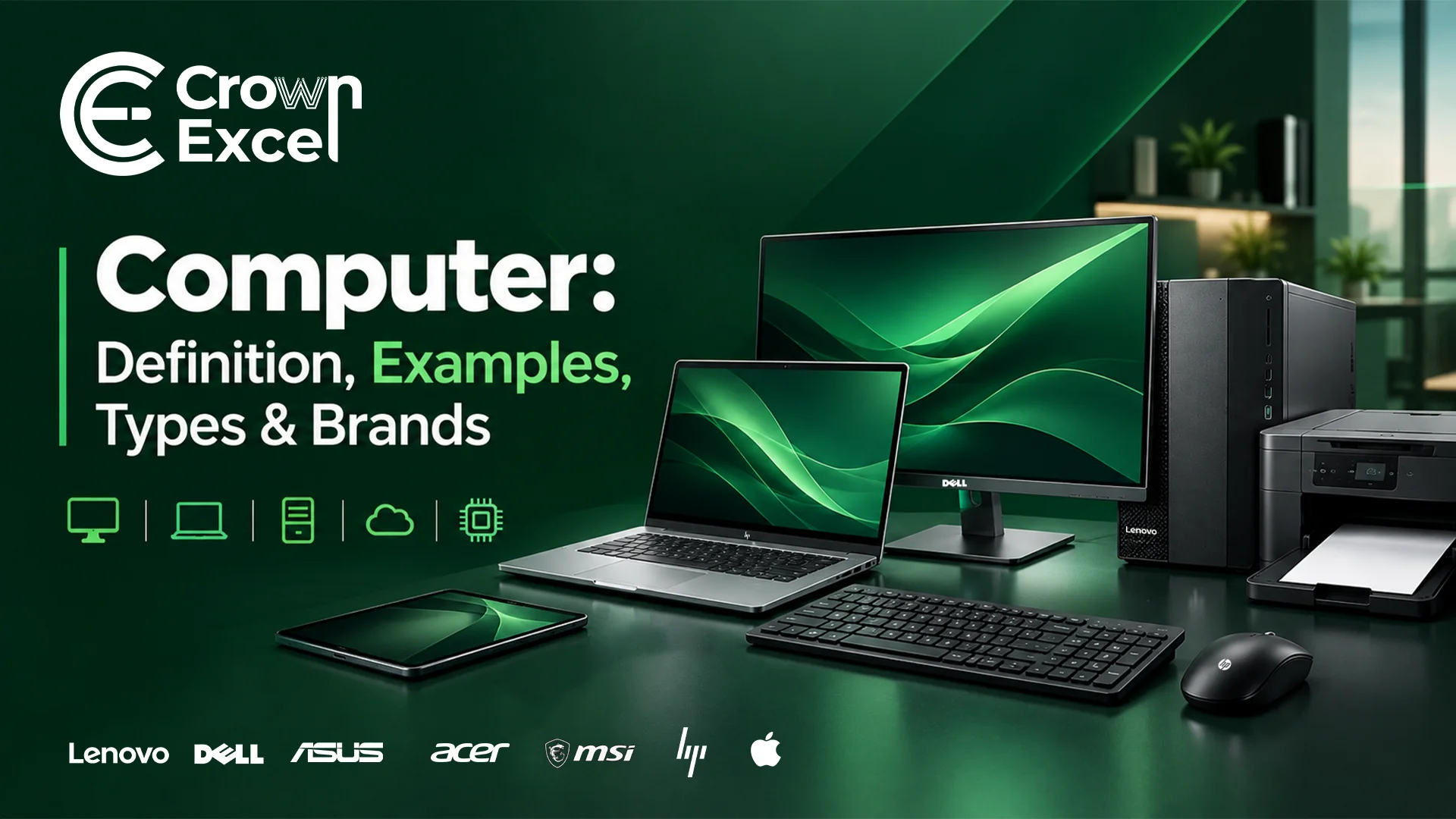
Computer: Definition, Examples, Types & Brands
A computer is a programmable electronic device that receives, processes, stores and outputs data according to instructions. Common examples include desktop computers, laptops, tablets and workstations, while specialized types include servers, mainframes and supercomputers. Computers have evolved from mechanical calculating machines into modern digital systems used for education, business, communication, entertainment and scientific research.
What Is Computer?
What Are The Examples Of Computer?
Examples of computers include desktop PCs, laptops, all-in-one computers, tablets, workstations, servers, mainframe computers and supercomputers. These computers differ in their size, processing capabilities, portability and intended applications.
What Are The Types Of Computer?
The types of computers include personal computers, workstations, servers, mainframes, supercomputers and embedded computers. They are classified according to their processing capabilities, size, design and intended use. Some are designed for individual users, while others support organizations, scientific research or specialized equipment.
The main types of computers are:
Desktop computers: Personal computers designed for use at a fixed location, typically with separate or integrated displays and peripherals.
Laptop computers: Portable personal computers with built-in screens, keyboards, batteries and processing components.
All-in-one computers: Desktop systems that integrate the main computing hardware into the monitor enclosure.
Tablet computers: Portable touchscreen computers designed for browsing, communication, media and application-based tasks.
Workstation computers: High-performance computers built for demanding professional tasks such as engineering, 3D modelling and design.
Server computers: Computers that provide applications, data, storage or other services to users and devices over a network.
Mainframe computers: Large-scale systems designed to process substantial transaction workloads and support many simultaneous users.
Supercomputers: Extremely powerful computing systems used for complex scientific calculations, simulations and advanced research.
Minicomputers: A historical class of midrange computers that offered smaller organizations computing capabilities below traditional mainframes.
Embedded computers: Specialized computing systems built into equipment such as vehicles, appliances, industrial machines and smart devices.
Computers can also be classified by how they represent and process data. Analog computers work with continuously varying physical quantities, digital computers process discrete information, and hybrid computers combine analog and digital computing methods. Modern personal computers are primarily digital.
What Is The History Of Computer?
The history of computers began with mechanical calculation devices and developed through electromechanical systems, electronic computers and modern microprocessor-based machines. During the nineteenth century, Charles Babbage designed the Difference Engine and later the Analytical Engine, introducing important ideas associated with programmable computing. However, his Analytical Engine was never completed during his lifetime.
Electronic computing advanced significantly during the 1940s. ENIAC, publicly unveiled in 1946 at the University of Pennsylvania, demonstrated the capabilities of large-scale electronic digital computing. Later developments in transistors, integrated circuits and microprocessors made computers smaller, faster and more practical. Intel introduced the 4004 microprocessor in 1971, while the Apple II in 1977 and IBM PC in 1981 helped expand personal computing. Apple's Macintosh, introduced in 1984, further popularized graphical interaction with computers.
During the 1990s and 2000s, widespread internet access, improved processors and portable computers transformed how people used technology. Modern computers now incorporate multicore processors, solid-state storage, cloud connectivity and specialized hardware for artificial intelligence. These developments continue to support computing across homes, offices, education and large-scale business infrastructure.
What Are The Parts Of Computer?
The two main parts of a computer system are hardware and software. Hardware includes the physical components used to process, store, receive and display information. Software includes the programs and instructions that control those components and allow users to perform tasks. Both work together to make a computer functional.
Computer systems also use input devices to receive information, output devices to present results and operating systems to coordinate hardware resources and software applications.
What Is Computer Hardware?
Computer hardware is the collection of physical components that make up a computer system. It includes internal parts such as the CPU, motherboard, memory and storage drives, along with external devices such as monitors, keyboards, mice and printers. Hardware provides the physical resources needed for processing, storing and transferring data.
The major computer hardware components include:
Internal Hardware Components
Central Processing Unit (CPU): Executes instructions and performs calculations.
Motherboard: Connects and allows communication between the main hardware components.
Random Access Memory (RAM): Temporarily stores data and instructions being actively used.
Read-Only Memory (ROM): Provides non-volatile storage for information such as firmware in certain computer designs.
Hard Disk Drive (HDD): Stores operating systems, applications and files on magnetic disks.
Solid-State Drive (SSD): Stores information using non-volatile flash memory.
Graphics Processing Unit (GPU): Processes graphics and accelerates suitable computational workloads.
Graphics Card: Provides dedicated graphics hardware, typically including a GPU and video memory.
Power Supply Unit (PSU): Converts and distributes electrical power to internal components in desktop systems.
Cooling Fans: Move air to help maintain suitable operating temperatures.
Heat Sinks: Transfer heat away from processors and other components.
Liquid Cooling System: Uses circulating coolant to transfer heat away from selected components.
Network Interface Card (NIC): Enables wired or wireless network connectivity.
Sound Card: Handles audio input, processing and output.
Expansion Cards: Add functions such as networking, audio, video capture or additional connections.
Optical Disk Drive: Reads or writes supported optical media, such as CDs, DVDs or Blu-ray discs.
CMOS/RTC Battery: Maintains the real-time clock and certain system settings in applicable designs.
Computer Case or Chassis: Houses and protects internal components.
Internal Cables and Connectors: Carry power and data between compatible hardware components.
Laptop Battery: Supplies portable electrical power to a laptop.
Wireless Network Adapter: Provides Wi-Fi connectivity and, in some designs, Bluetooth support.
External Hardware Components
Monitor: Displays visual information generated by the computer.
Keyboard: Enters text, numbers and commands.
Mouse: Controls pointer movement and on-screen selection.
Touchpad: Provides touch-sensitive cursor control, commonly on laptops.
Printer: Produces physical copies of digital documents and images.
Scanner: Converts printed documents and pictures into digital data.
Webcam: Captures images and video for communication or recording.
Microphone: Captures sound for recording and communication.
Speakers: Produce audio output.
Headphones and Headsets: Provide personal audio playback and, for headsets, microphone input.
External HDD and SSD: Provide portable storage and backup capacity.
USB Flash Drive: Stores and transfers files between compatible devices.
Memory Card Reader: Reads and writes supported removable memory cards.
External Optical Drive: Reads or writes compatible optical disks.
Docking Station: Expands a computer's available ports and peripheral connections.
External USB Hub: Adds connections for compatible USB peripherals.
Graphics Tablet: Captures stylus input for drawing and design.
Game Controller or Joystick: Provides input for games and simulations.
Projector: Displays computer-generated images on a larger surface.
External Power Adapter: Supplies suitable electrical power to a compatible computer.
Hardware requirements vary by computer type. For example, a laptop commonly integrates the display, keyboard, battery and pointing device, while desktop systems may use separate peripherals.
What Is Computer Software?
Computer software is a collection of programs, instructions and data that tells a computer how to perform specific tasks. Unlike hardware, software is not a physical component. It controls system operations, manages computer resources and enables activities such as document creation, internet browsing, communication and data processing.
Computer software is commonly divided into system software, application software and programming software. System software includes operating systems, device drivers and system utilities. Application software includes word processors, spreadsheets, web browsers, media players and accounting programs. Programming software includes code editors, compilers, debuggers and other tools used to develop computer applications.
What Are The Input And Output Devices Of Computer?
Input and output devices are hardware components that allow computers to receive information and communicate results. Input devices convert user actions or other signals into data the computer can process, while output devices present processed information through displays, sound, printed documents or other physical responses.
Input Devices
Keyboard: Enters text, numbers and commands.
Mouse: Provides cursor control and selection.
Touchpad: Controls a pointer through finger movements.
Scanner: Converts physical documents into digital images.
Microphone: Captures voice and other sounds.
Webcam: Captures video and photographs.
Barcode Reader: Reads encoded barcode information.
Graphics Tablet: Records pen movements and drawing input.
Joystick or Gamepad: Sends directional and control commands.
Fingerprint Scanner: Captures biometric information for identification.
Document Reader: Captures information from supported documents.
Touchscreen: Receives touch input while also displaying output.
Output Devices
Monitor: Displays text, images, videos and software interfaces.
Printer: Produces documents and pictures on paper or other supported media.
Speakers: Convert audio signals into sound.
Headphones: Deliver audio directly to the listener.
Projector: Displays enlarged visual output.
Plotter: Produces large-format drawings and technical graphics.
Braille Display: Presents digital information through refreshable tactile characters.
Some devices perform both functions. For example, a touchscreen accepts touch commands and displays information, while a multifunction printer may combine printing, scanning and copying capabilities.
How Many Types Of Operating System A Computer Have?
Operating systems do not have one universally fixed number of types because they can be classified according to how they manage tasks, users and computing resources. One commonly used classification identifies five main types: batch, time-sharing, distributed, network and real-time operating systems. Additional classifications include embedded and cluster operating systems.
The five commonly described types are:
Batch Operating System: Executes groups of jobs without requiring continuous user interaction.
Time-Sharing Operating System: Shares processing time between multiple tasks or users.
Distributed Operating System: Coordinates resources across multiple interconnected computers.
Network Operating System: Manages network resources, connections and shared services.
Real-Time Operating System: Processes time-critical operations within defined timing constraints.
For everyday desktop and laptop computers, operating system examples include Microsoft Windows, Apple's macOS, Linux distributions and Google's ChromeOS. A computer normally runs one primary operating system at a time, although it can support multiple installed systems through dual-boot configurations or virtualization.
What Are The Uses Of Computer?
Computers are used to process information, perform calculations, automate tasks, communicate and manage digital resources. Their applications extend across education, business, healthcare, banking, engineering, scientific research and entertainment. Different computer types support different workloads, from basic document editing to complex simulations and large-scale data processing.
The major uses of computers include:
Education: Conduct online classes, prepare assignments, access learning materials and manage academic records.
Business Operations: Handle invoicing, accounting, payroll, inventory management and daily administrative activities.
Communication: Send emails, conduct video meetings, exchange messages and collaborate remotely.
Banking and Finance: Process financial transactions, maintain records and support financial analysis.
Healthcare: Maintain electronic medical records, manage appointments and assist with medical imaging.
Entertainment: Play video games, stream videos, listen to music and access digital content.
Research: Analyze datasets, perform calculations and run scientific simulations.
Engineering: Create technical designs, develop models and run computer-aided simulations.
Graphic Design: Create illustrations, edit photographs and produce digital artwork.
Software Development: Write, test, debug and maintain computer programs.
E-commerce: Manage online stores, product listings, customer orders and digital payments.
Manufacturing: Support production planning, automation, quality control and monitoring.
Government Services: Manage digital records and deliver online public services.
Transportation: Support scheduling, navigation, logistics and fleet management.
Data Storage and Management: Organize, retrieve, process and back up digital information.
What Is The Computer Ecommerce Market Trends In Uae?
The computer e-commerce market in the UAE is influenced by the expansion of online retail, demand for personal and business computing devices, digital payment adoption and the availability of AI-enabled laptops. Consumers can purchase computers through retailer websites and online marketplaces, while businesses increasingly use digital channels to compare specifications, request quotations and
According to the EZDubai and Euromonitor International e-commerce report published on September 28, 2026, the UAE's overall e-commerce market reached AED 42.2 billion in 2025, up from AED 17.6 billion in 2020. E-commerce accounted for approximately 15.7% of total retail sales in 2025. The report identified consumer electronics as one of the largest online retail categories after apparel and footwear. These figures describe the overall e-commerce market rather than computer sales alone.
Several developments are influencing computer e-commerce in the UAE:
Growth in Online Computer Shopping: Established retailers such as Sharaf DG and Jumbo Electronics offer computers through online stores, enabling customers to compare available models and specifications.
Availability of AI-Enabled Computers: UAE retailers now list laptops with dedicated AI-processing capabilities alongside conventional business, student and gaming models.
Demand Across Different Price Segments: Online computer catalogues include entry-level laptops, premium ultrabooks, business systems and gaming PCs, serving customers with different performance requirements and budgets.
Digital Payment Options: Digital wallets, Buy Now Pay Later services and other electronic payment methods are becoming increasingly important within the UAE's broader e-commerce market. .
Online Wholesale Procurement: UAE-based wholesalers also provide product catalogues, stock information and quotation channels for businesses purchasing laptops, desktop computers and IT equipment in bulk.
Euromonitor's June 2026 Digital Shopper report also identified AI-powered shopping tools, personalization, improved fulfilment and digital payment innovation as important developments in the UAE's overall online commerce landscape. These trends provide context for computer retailers and wholesalers operating through digital sales channels.
What Are The Top Retail Brands In Computer In Uae?
Prominent computer brands available through UAE retail channels include HP, Dell, Lenovo, Apple, ASUS, Acer, MSI, Microsoft, Samsung and Huawei. HP offers Pavilion, EliteBook and other laptop and desktop ranges; Dell provides Inspiron, Latitude and business computing products; Lenovo offers ThinkPad, IdeaPad and Legion systems; and Apple manufactures MacBook and iMac computers. ASUS, Acer and MSI offer computers for general use, productivity and gaming, while Microsoft's Surface range includes portable computing devices. These brands are represented in the computer catalogues of UAE retailers such as Sharaf DG and Jumbo Electronics. Their inclusion reflects retail availability rather than a verified ranking by UAE market share.
What Are The Wholeseller Brands Of Computers In Uae?
The wholesalers and distributors of computers in the UAE include Crown Excel AE, Quantum Point Electronics Trading, Redington Gulf, ASBIS, UAEPC Computers and Skyline Computers Wholesale. Crown Excel, based in Dubai, supplies business computers, desktop systems, laptops and related IT hardware, with brands including HP, Dell, Lenovo, ASUS and Acer represented in its product range. Quantum Point Electronics Trading focuses on wholesale laptop distribution for resellers and business buyers, while Redington Gulf and ASBIS operate broader technology distribution businesses. UAEPC Computers and Skyline Computers Wholesale also serve bulk buyers, with a focus on refurbished laptops, desktop computers and related hardware. These companies represent different segments of the UAE wholesale market, including new equipment distribution and refurbished computer supply.